This post is dedicated to Ronen Sarig. May he call me out on my bullshit forever.
Slopcore!
Using computers has been present in my life for a long time. I’m no expert programmer. I call myself a ‘user’, I’ve seen some things. I’ve tried to get things done.
My father bought an Apple IIe back in 1983(?) when I was 13. I was tasked with figuring out how to make it work for his business. I was motivated to do this work as I knew we wouldn’t have to spend another weekend manually tabulating columns in sheets spread across the room. Literally, spreadsheets. My start was in creating value (maybe this impressed something on me).
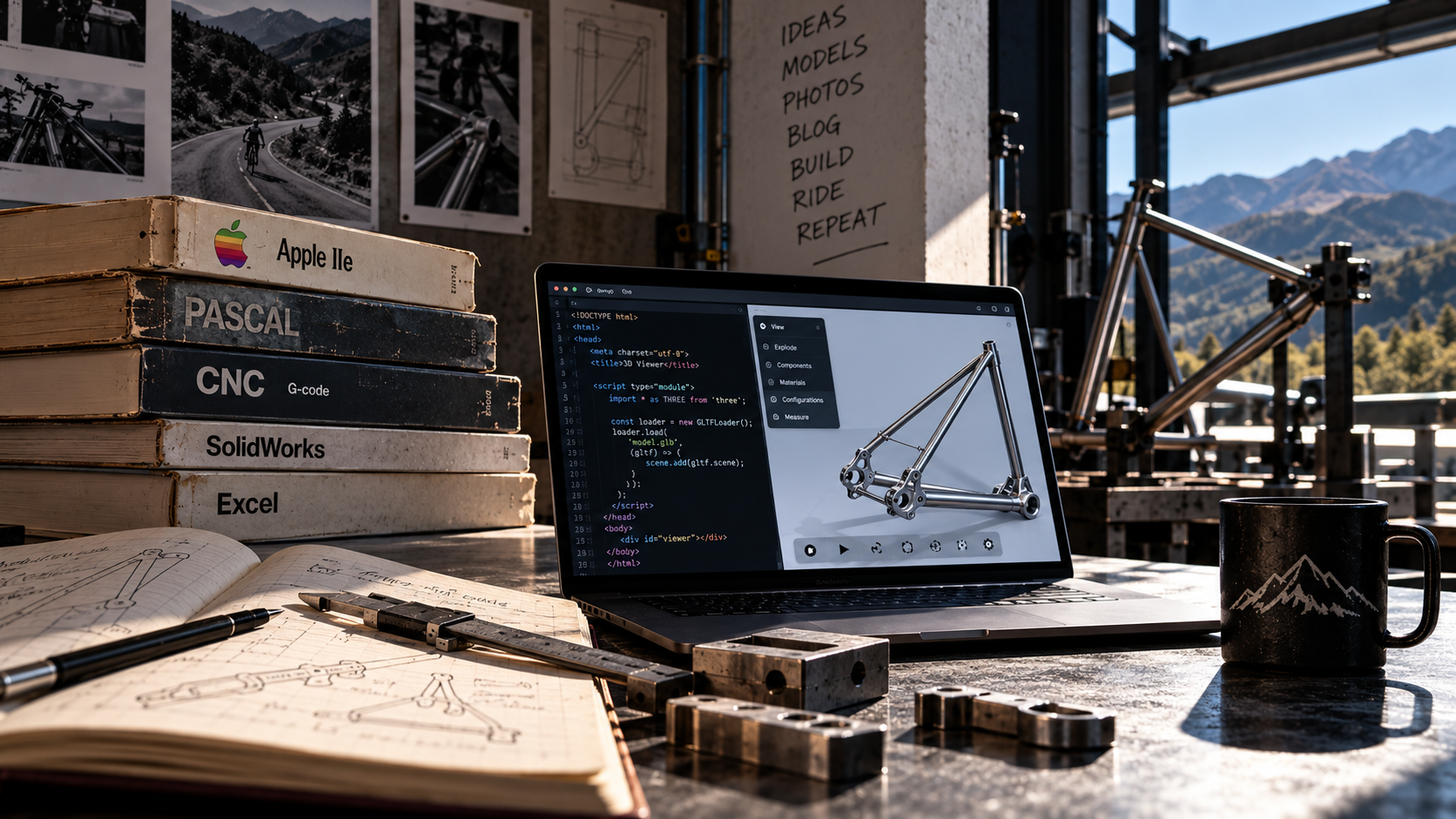
I tried to learn Pascal in Jr. High School without any instruction (that did not end well). I wrote fully footnoted and sourced college essays on non-WYSIWYG word processors in My freshman year of college. After a few years away from computers in the early 1990s, I start using CNC machines and typing g-code before CAM was a mainstream option. Now, I mostly do parametric modeling and use MS Excel and type out a blog. I’m a user.
One thing that remained true that whole time: I needed to learn the language of the computer to do anything with one. That’s important. How do I talk to the box? How do I learn its language to get what I want?
That’s just changed. The computer has learned how to talk in MY language. That’s what an LLMs really is. The computer has made it possible for me to use the language I know well to get what I want.
Early in 2023, the mainstream world changed. OpenAI GPT-3.5 busted out. It was all going to be different now.
We’ve had these powerful calculators and a world of information to draw from for at least a decade and a half. Now, somebody has figured out how to get the calculators to listen to us well enough to use that information in ways we never could.
Granted, it’s taken some time for this tool to gain enough ability to be as useful and capable as promised but today, with ChatGPT v6.1 and other models like Claude, Gemini, and others, real work is happening that never happened before.
Its an amazing tool!
We’ve been doing this at the university for a while. One of our chemistry masters students, Milo Sack, produced some vibe code and vibe electronics for a recent lab upgrade project. This was a real eye opener for me and others around me. Someone that didn’t know code or electronics producing a valuable lab automation tool. Importantly, this was a very valuable tool that improved process by orders of magnitude.
In another recent project, I needed a lot of different shapes cut on waterjet. I was getting a favor here so I needed to reduce the work load on the other end. They wanted me to layout the parts on the sheet. Strangely, Omax IntelliMax software is terrible. Super bad. It costs a lot of money for a nesting program. We needed a cheaper way to nest part shapes.
We decided to vibe code a nesting program. Milo, Nick, and I bounced prototypes around for a couple of days. This seemed crazy on the front side but t’s actually amazing how light and easy this was! Entirely running .html in any browser. This was about asking (in english) for what we wanted.
Some time went by. I forgot about all of this as I was busy with other things.
In the past couple of weeks, I had a workshop series planned at the university that included 2 sections on portfolio production for science majors. This is the most important thing a college kid can focus on. Seriously.
I had a problem now. I could talk a good game but my portfolio page was really lame. This wasn’t because I didn’t have anything to put into it. The opposite. I had so much. 37 years worth of very different projects and folly. I had blog posts, web pages and wikis, but my portfolio was just a long static page of random images. It was hard to update. It looked like hell. It wasn’t projecting my story well.
My friend, Ronen, has been bugging me for a while about finding my content. He couldn’t ever find anything. Names made no sense. It was all lost in a sea of information. He made an easy argument. It ate at me for years. Ronen says I’m not solving this problem. Ronen. Fuck. He was right. I knew that.
I didn’t know how to solve the problem. I’m no coder. I don’t want to learn .html or C#. I didn’t see easy tools around me and I didn’t want to invent one.
So, since we have been talking so much about this at work and with students and in the world, I decided that it was time to throw down the gauntlet. A new portfolio page! One that could solve my particular problems. Deal with all my content but give focus to just one thing if I wanted.
The model viewer!
The big problem, aside from the coding and testing, how could I display solid models in a way that works in the ecosystem? A way that works fast and on any browser or phone. This was over my head.
SolidWorks allows models to be shared this way with eDrawings Pro. It does a reasonable job displaying an assembly or part with different configurations in a web browser. Of course, Dessault doesn’t miss a chance to punish it’s customers. This is a very expensive add-on to an already expensive program. I wasn’t interested in paying for this. Not at the level that it functions.
Lacking eDrawings as an option for permanent use, I needed to design my own viewer.
It helped that one of our students, Abdo, had decided to work on the problem on his own. We were able to discuss our issues, fixes, and ideas. Abdo is much better at using the LLM tools than I. He also has figured out ‘tokenMaxing’, improving the code/token ratio to get more done, quicker, with less cost.
You will find that the word ‘token‘ will start coming out of your mouth a lot more after you start into this.
I put in some time to get this done. I was able to build a viewer that works well enough for now. A viewer that lets me place models into almost any place, has configurations, and looks really nice. It also puts a lot of power into the viewers hands, much more than in eDrawings. Special, very powerful features are locked out for most people just using the viewer. I keep adding to the list.
I’m also able to import SolidWorks files directly to take advantage of configurations, materials, lighting, and display states. More, I can construct my own configurations in a few different ways depending on how I come across files and what type they are. It’s a very well sorted process that can make very good things happen.
The more difficult problem was to get ‘decals’ to transfer to the model viewer.
I’ve done some deeper infrastructural work on reducing file sizes of these models for lighter use, especially on cell-tower depended phone use. This will has a lot to do with mesh approximation and my use of helical threads in my models.
The portfolio page
To get the massive number of portfolio images to be useful, I needed to improve toolbar structure and tool control. Many more features can be added and it’s a matter of imagining them and being near a terminal to get them implemented.
The portfolio interface was the other hurdle. This wasn’t easy. It was frustrating. It involved hundreds of iterations over the course of a week… I’m still not done. new feature ideas come up at different times.
…but it was possible. Notice in the example below that over 1,000 cards were sorted into 61 with just a category and date range selection. See it in place HERE.
A quick test of how this interface works will prove that there are some very powerful and deep ideas in play:
- Makes a large body of work approachable. The card gallery gives visitors a visual overview they can scan before choosing projects to explore.
- Helps people find relevant experience. Categories, search terms, tags, and date controls connect a visitor’s interests with specific examples of your work.
- Supports different levels of attention. Someone can browse quickly, inspect a model, or follow a project link into detailed documentation.
- Shows engineering rather than just describing it. Interactive 3D models let visitors rotate, inspect, section, explode, and measure designs—communicating details that photographs can conceal.
- Explains alternatives and development. Model configurations let you present different versions, arrangements, or states within one coherent project.
- Makes targeted sharing practical. “Copy link to these cards” preserves the filtering and presentation settings, helping you direct a client, employer, or collaborator toward relevant work.
- Connects evidence with explanation. Images, models, project articles, related work, and downloadable files give visitors multiple ways to understand and assess a project.
- Provides a consistent presentation. Shared card layouts and adjustable viewer settings bring projects from different years and disciplines into a recognizable interface.
- Fits into an existing website. The embeddable portfolio and model viewers let the work appear within blog posts and other pages, alongside its supporting narrative.
- Remains useful as the collection grows. Catalog editing, reusable viewer presets, model compression, and controlled model loading make a substantial archive easier to maintain and browse.
The work shown here was created by two guys that know nothing about code and used very basic LLM tools. What would have been years of code development was compressed into just a few days!
More power will be added to this with more understanding.
I learned several things using the LLMs while producing these tools:
- The most important lesson is that it’s not knowing the right language that matters much anymore but our ability to communicate. You don’t need to know C# or Python. You do need to know how to be very specific and unambiguous about what you are saying and what that might mean.
- TASTE is where my value is. An LLM can’t tell what is a good tool or what looks right. It’s just doing what you told it. If I don’t know what good work looks like, it’s not going to do good work.
- Prompts are not a single query. The need is to be very detailed and specific. A prompt might be several thousands of words.
- Prompt-by-prompt development and Single-prompt development produce different results and have different value. Sometimes it’s important to discover what you want through iteration. Other times, you want the most efficient and well designed product from very specific instruction.
- Platforms differ in what quires strategy moves a project forward depending also on where you are in development. I saw a big difference in the four platforms that I used while making these tools
- Pay attention to mistakes, discovery, and unexpected results. Just like in the real world, these can often lead to the real improvements or the most important features.
- LLMs do some things amazingly well and other things very poorly. I need to do some brute force work on this project because the Chats can’t determine what good work or a good image is. It’s not capable of that. Recognize when you just have to grind.
- Tokens have value and not all tokes are the same, even within the same company. Try to how many you have and of what kind.
This has been an excellent introduction to using the tool and has gone really well. I plan to use this it to do some long needed service and architectural work on my website. Later this winter.
Now, I just need to finish formatting the other 2/3 of my works…ha!